
How to add colored background to Cartopy map
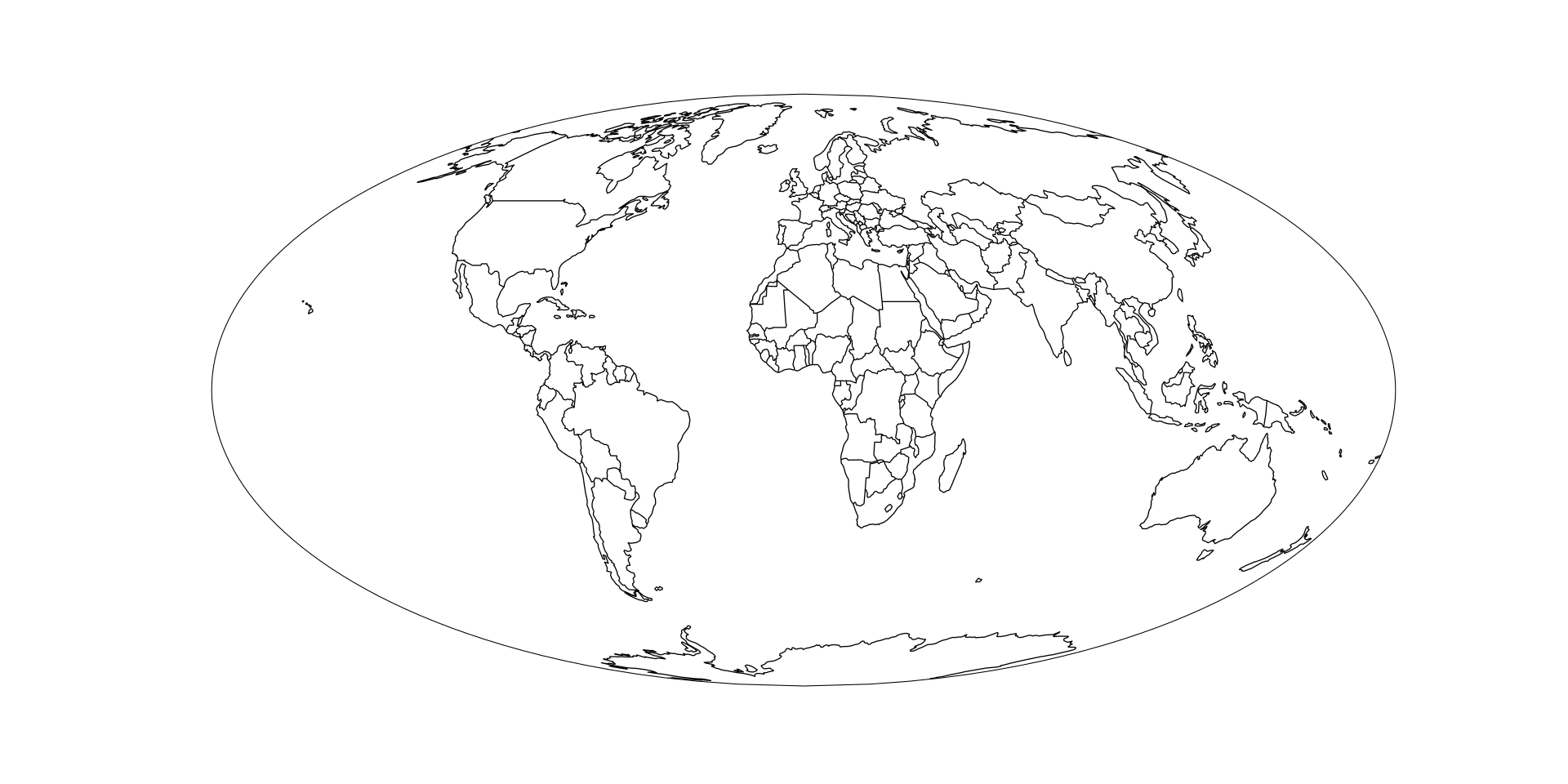
Want to get from this black and white map
to this colored map
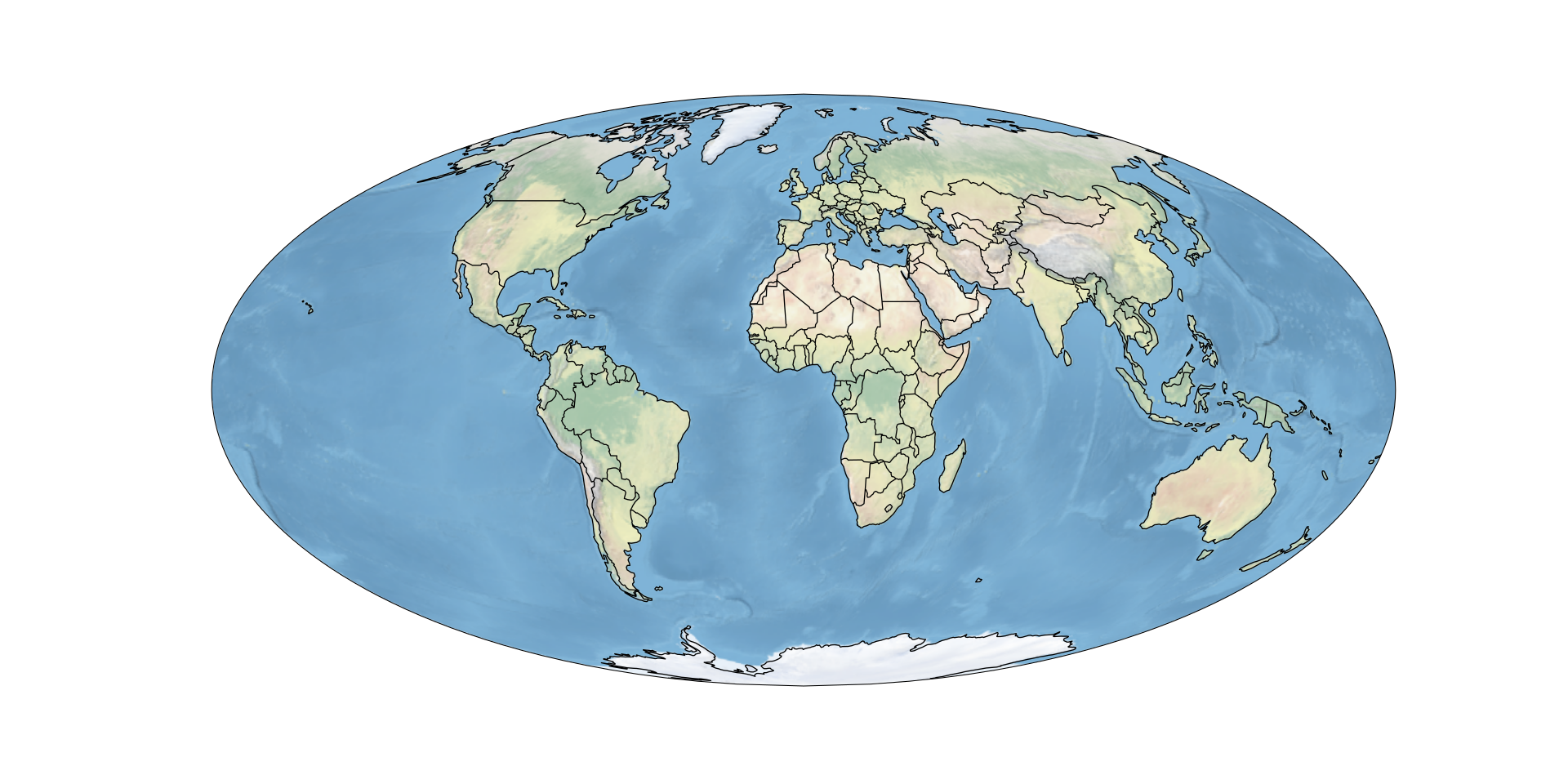
in just one line of code? Simply use cartopy’s stock_img():
how-to-add-colored-background-to-cartopy-map.py
ax.stock_img()Complete example code
cartopy_colored_example.py
import cartopy.crs as ccrs
import cartopy.feature as cf
from matplotlib import pyplot as plt
ax = plt.axes(projection = ccrs.Mollweide())
ax.stock_img()
ax.add_feature(cf.COASTLINE)
ax.add_feature(cf.BORDERS)
# Make figure larger
plt.gcf().set_size_inches(20, 10)

# Save figure as SVG
plt.savefig("Cartopy-Colored.svg")
If this post helped you, please consider buying me a coffee or donating via PayPal to support research & publishing of new posts on TechOverflow