
How to fix ESP-IDF Install Manager (EIM) Prerequisites Missing: common.prerequisites.manualHint flex, bison, gperf, ccache
Problem
While trying to install a toolchain using the ESP-IDF Install Manager (EIM), you might encounter an error message indicating that certain prerequisites are missing. The error message may look something like this:
example.txt
common.prerequisites.manualHint
flex, bison, gperf, ccache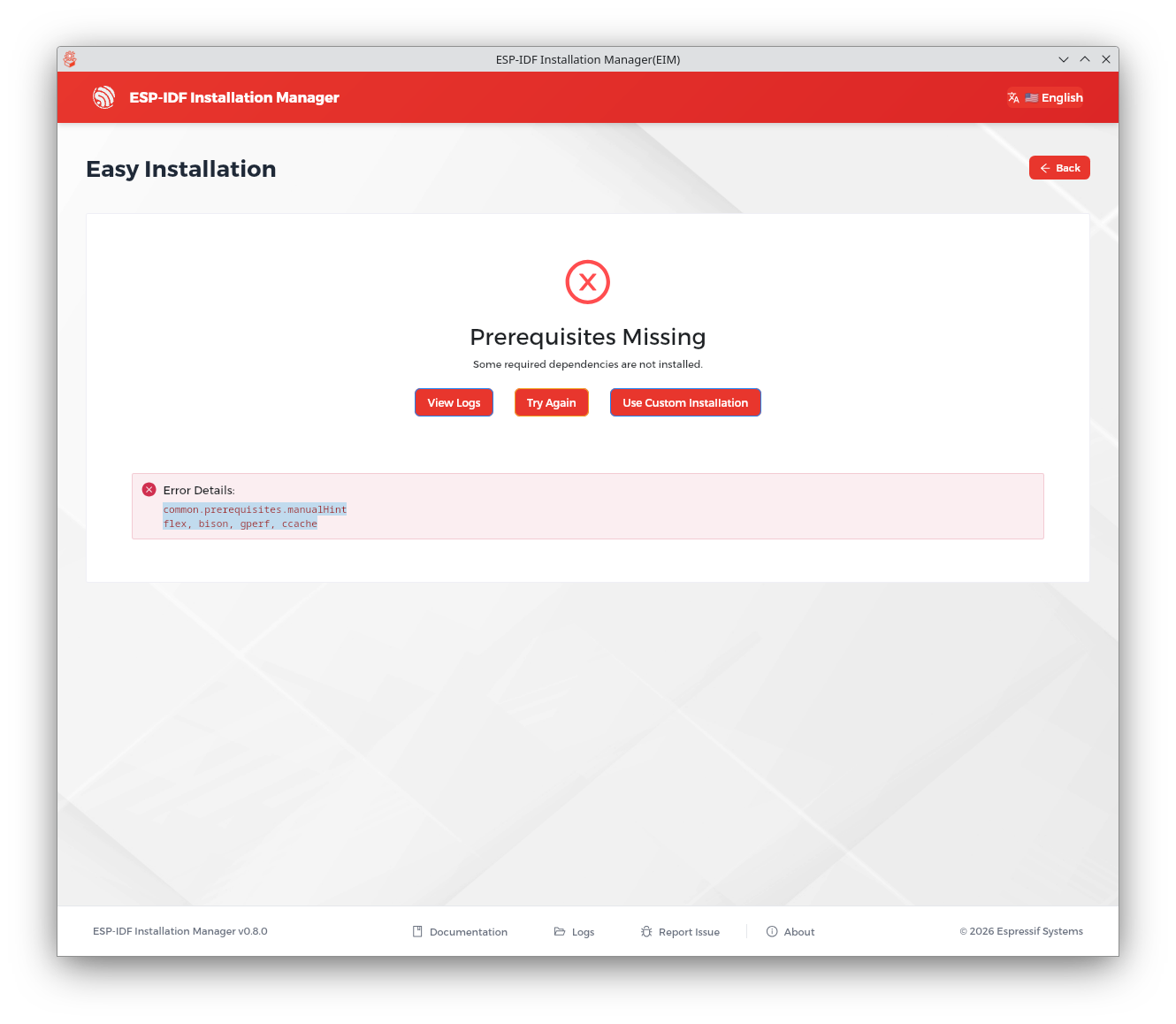
Solution
You need to install the missing prerequisites: flex, bison, gperf, and ccache on your system. On Ubuntu and Debian, you can do this using the following command in your terminal:
fix-esp-idf.sh
sudo apt -y install flex bison gperf ccacheAfter that, you can try running the installation again, and it should proceed without the previous error.
Check out similar posts by category:
ESP-IDF
If this post helped you, please consider buying me a coffee or donating via PayPal to support research & publishing of new posts on TechOverflow