
如何向 Cartopy 地图添加彩色背景
想从这张黑白地图

到这张彩色地图
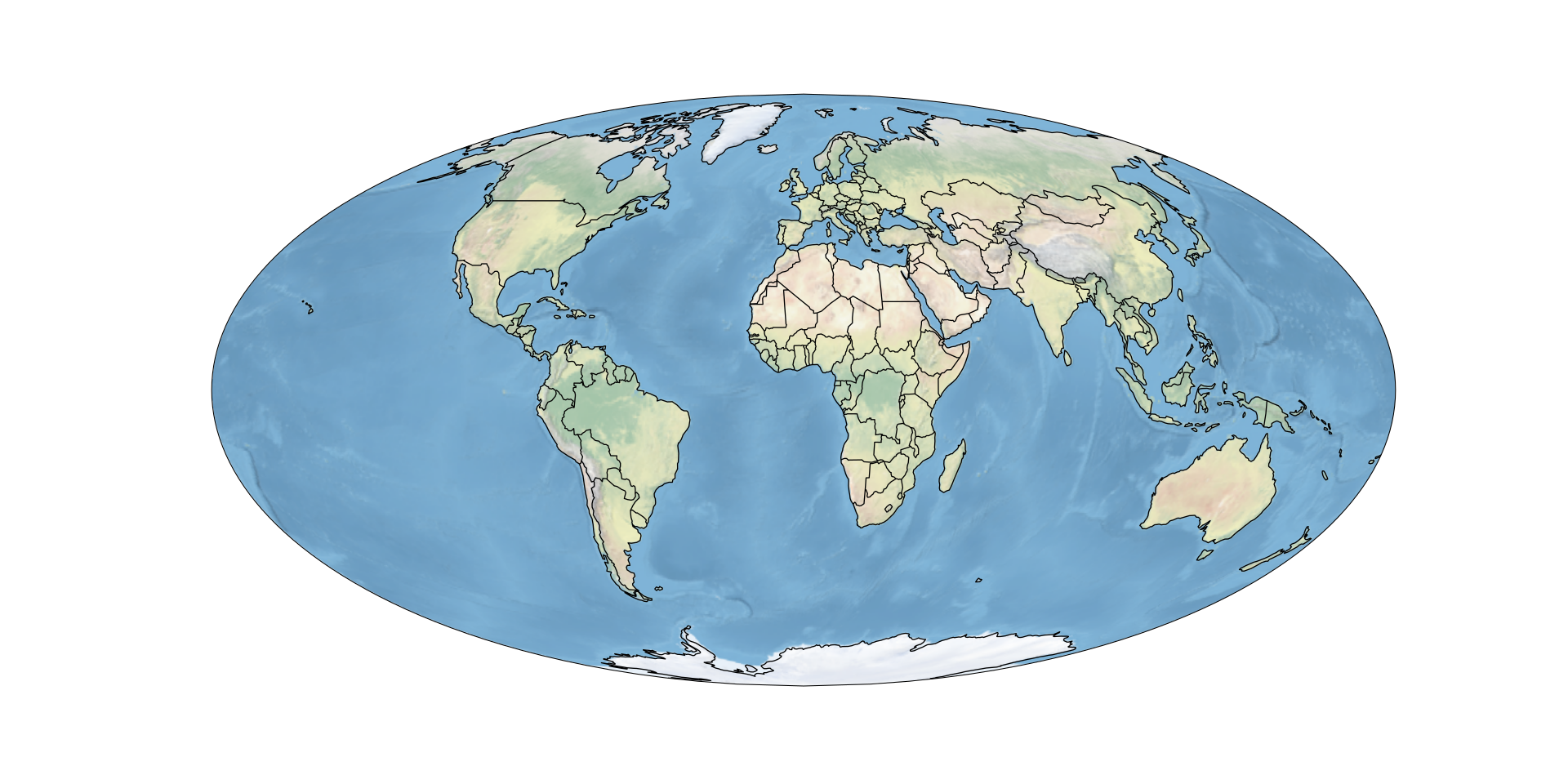
只需一行代码?只需使用 cartopy 的 stock_img():
how-to-add-colored-background-to-cartopy-map.py
ax.stock_img()完整示例代码
cartopy_colored_example.py
import cartopy.crs as ccrs
import cartopy.feature as cf
from matplotlib import pyplot as plt
ax = plt.axes(projection = ccrs.Mollweide())
ax.stock_img()
ax.add_feature(cf.COASTLINE)
ax.add_feature(cf.BORDERS)
# 使图更大
plt.gcf().set_size_inches(20, 10)

# 将图保存为 SVG
plt.savefig("Cartopy-Colored.svg")
If this post helped you, please consider buying me a coffee or donating via PayPal to support research & publishing of new posts on TechOverflow