
如何使用 WebFig 向 MikroTik RouterOS 地址列表添加多个地址
如果你尝试使用 WebFig(在 IP/Firewall 中)创建 MikroTik 防火墙地址列表,你会看到你不能只在 Address 字段中添加多个地址:
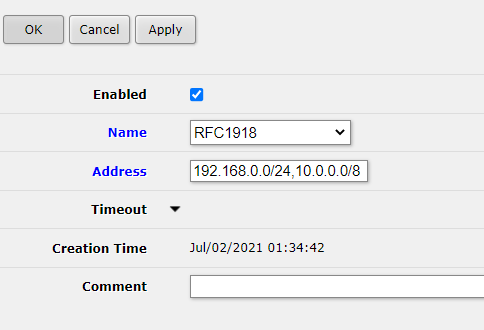
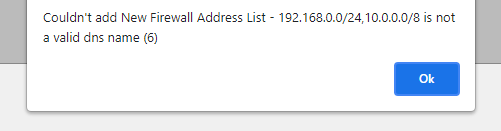
如何添加多个地址
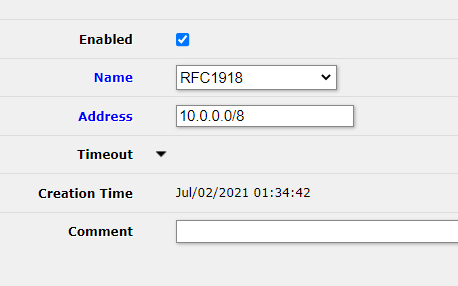
首先,像这样添加第一个地址:
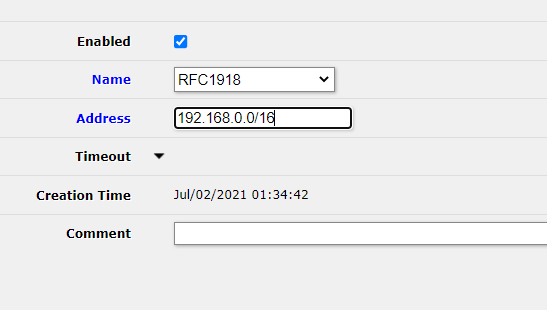
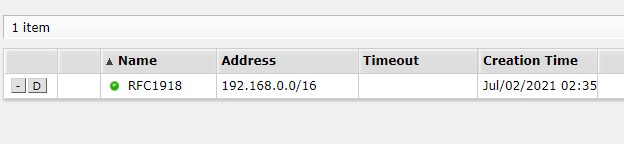
在 Address List 视图中这将如下所示:
然后,添加另一个具有相同名称的地址(如果你愿意,注释可以不同)。你也可以使用 Name 字段的下拉菜单选择名称。
在 Address List 视图中这将如下所示:
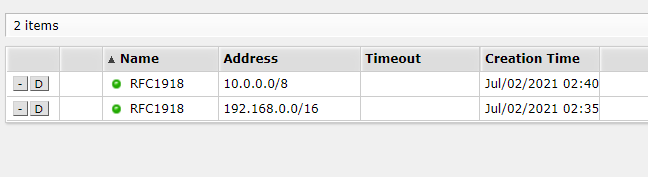
我们的 RFC1918 列表现在将识别两个网络 10.0.0.0/8 和 192.168.0.0/16。
Check out similar posts by category:
MikroTik, Networking
If this post helped you, please consider buying me a coffee or donating via PayPal to support research & publishing of new posts on TechOverflow