
如何在测量距离模式下启用 KiCAD 吸附到焊盘
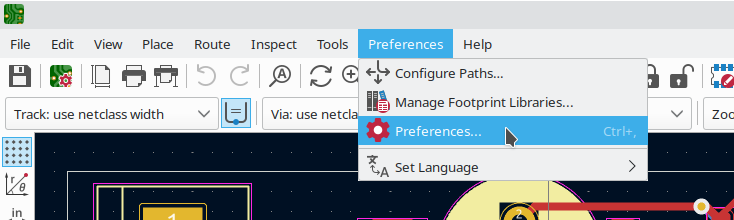
要在 KiCAD pcbnew 中启用吸附到焊盘(也称为磁性焊盘),打开 Preferences -> Preferences:
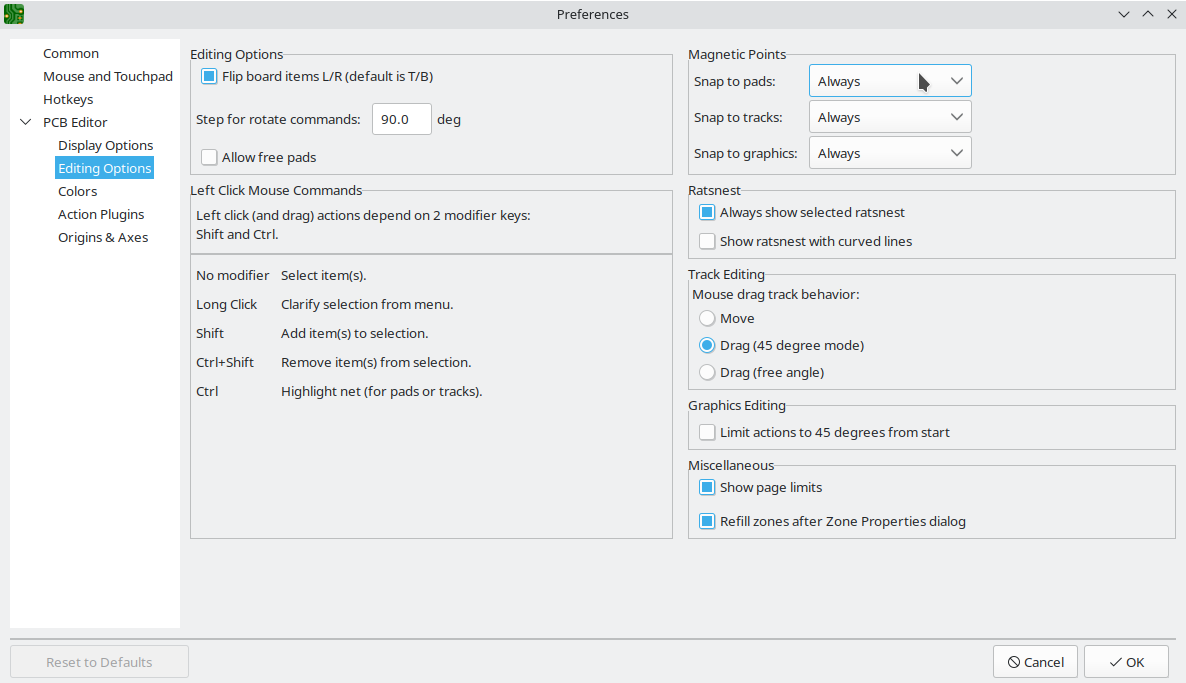
然后打开 PCB Editor -> Editing Options,并将 Magnetic Points -> Snap to pads 设置为 Always:
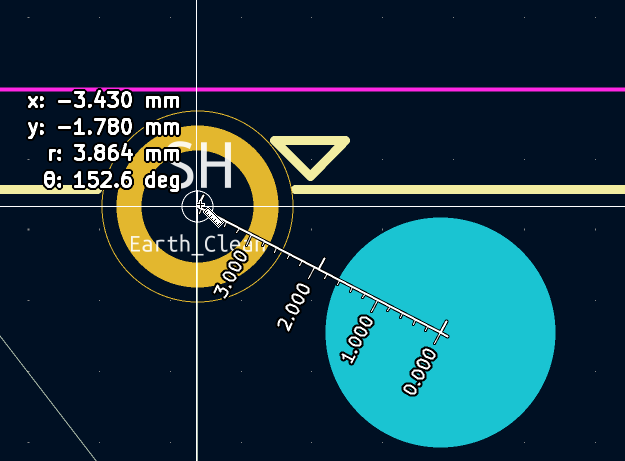
点击 OK 后,你可以在使用 Ctrl+M Interactively measure distance between points 工具时吸附到点:
Check out similar posts by category:
KiCad
If this post helped you, please consider buying me a coffee or donating via PayPal to support research & publishing of new posts on TechOverflow