
如何使用 Python 设置和使用 Wordpress REST API 认证
Wordpress 认证插件设置
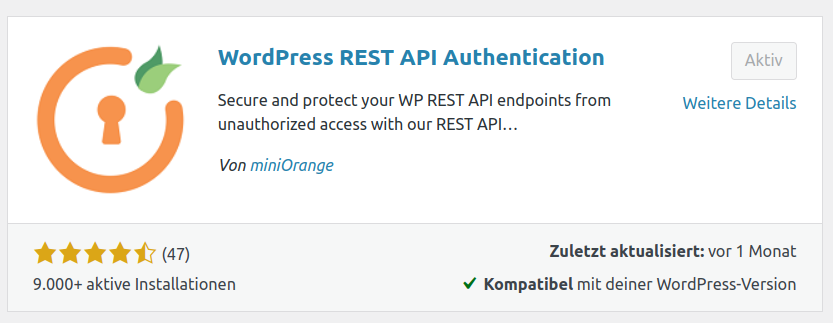
首先,安装 WordPress REST API Authentication wordpress 插件,你可以通过搜索 WordPress REST API Authentication 找到它:
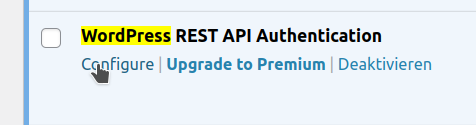
然后你需要打开插件配置页面。在 Wordpress 管理面板中打开 Plugins,找到 WordPress REST API Authentication 插件并点击 Configure
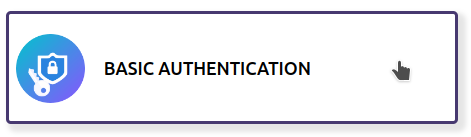
选择 Basic Authentication:
然后点击右上角的 Next:
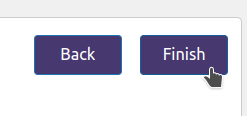
并在下一页点击 Finish:
在 Python 中设置
假设你有一个 Wordpress 用户 admin,密码为 abc123,我们可以修改如何使用 Python 和 WordPress REST API 获取 WordPress 帖子为 JSON中的代码来查询非公开端点:
wp_rest_auth_example.py
import requests
import base64

# 计算基本认证头
auth_header = b"Basic " + base64.b64encode(b"admin:abc123")

# posts 是 JSON 对象列表,每个代表一个帖子
posts = requests.get("https://mydomain.com/wp-json/wp/v2/posts",
                     params={"context": "edit"},
headers={"Authorization": auth_header}).json()If this post helped you, please consider buying me a coffee or donating via PayPal to support research & publishing of new posts on TechOverflow