
PlatformIO 的 Adafruit ST7735R TFT 显示器最小文本示例
此示例基于 使用 Adafruit ST7735 的最小 ESP32 PlatformIO TFT 显示示例 中概述的硬件和软件设置。请查看那里了解 PlatformIO 示例和硬件设置。
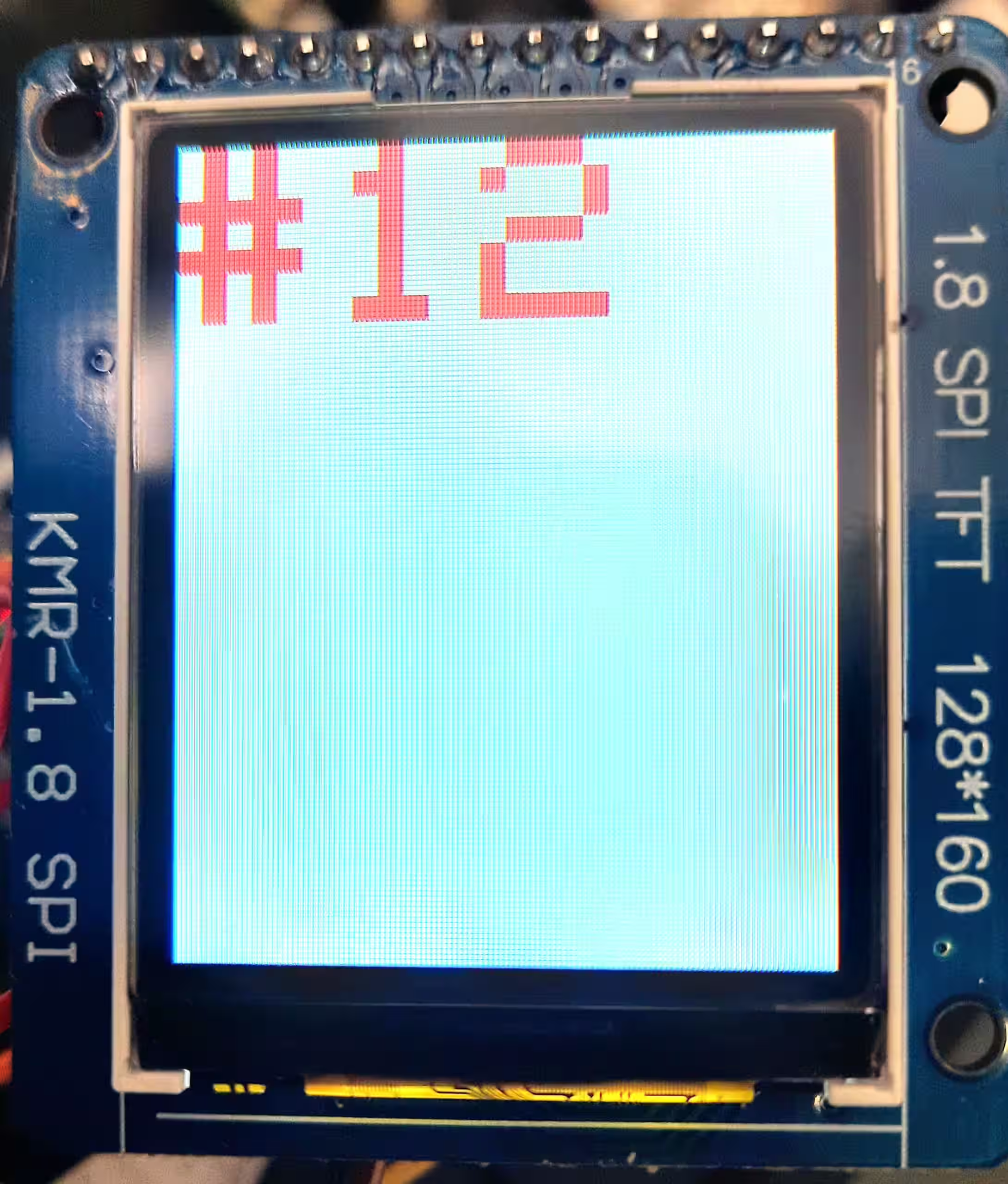
我们的代码在显示器上显示一个每秒更新的计数器。只清除上次文本绘制的矩形区域,这比清除整个屏幕实现更快的屏幕更新。此外,此技术允许你灵活地只更新屏幕的一部分,而不必在更新时重新绘制所有其他部分。
st7735_counter_example.cpp
#include <string>
#include <Arduino.h>
#include <Adafruit_GFX.h>
#include <Adafruit_ST7735.h>
#include <string>

constexpr int Pin_LCD_CS = 27;
constexpr int Pin_LCD_DC = 23;
constexpr int Pin_LCD_RST = 22;
constexpr int Pin_LCD_SCLK = 14;
constexpr int Pin_LCD_MISO = 12;
constexpr int Pin_LCD_MOSI = 13;

Adafruit_ST7735 lcd(Pin_LCD_CS, Pin_LCD_DC, Pin_LCD_MOSI, Pin_LCD_SCLK,
                                 Pin_LCD_RST);

uint16_t backgroundColor = ST7735_WHITE;
uint16_t textColor = ST7735_RED;

void setup() {
  lcd.initR(INITR_BLACKTAB);      // Init ST7735S chip, black tab
  lcd.enableDisplay(true);        // Enable display
  // Fill screen with background color
  lcd.fillScreen(backgroundColor);
}

uint32_t counter = 0;

/**
 * The rectangle to clear the previous text
 * This is computed
 *
 * @return int
 */
struct Rect {
  int16_t x1;
  int16_t y1;
  uint16_t w;
  uint16_t h;
};
Rect lastTextRect;

void loop() {
  // The text we'll draw
  std::string text = "#" + std::to_string(counter);

  // Clear previous text
  if(!lastTextRect.w == 0 || !lastTextRect.h == 0) {
    lcd.fillRect(
      lastTextRect.x1,
      lastTextRect.y1,
      lastTextRect.w,
      lastTextRect.h,
      backgroundColor
    );
  }

  // Set position & parameters
  lcd.setCursor(0, 0);
  lcd.setTextColor(textColor);
  lcd.setTextWrap(true);
  lcd.setTextSize(5);

  // Compute bounding box of text text we'll draw
  // (so we can clear it later)
  lcd.getTextBounds(
    text.c_str(),
    lcd.getCursorX(),
    lcd.getCursorY(),
    &lastTextRect.x1,
    &lastTextRect.y1,
    &lastTextRect.w,
    &lastTextRect.h
  );

  lcd.print(text.c_str());
  delay(1000);
  counter++;
}platformio.ini
[env:esp32dev]
platform = espressif32
board = esp32dev
framework = arduino
lib_deps =
    adafruit/Adafruit GFX Library@^1.11.5
adafruit/Adafruit ST7735 and ST7789 Library@^1.10.0Check out similar posts by category:
Arduino, PlatformIO
If this post helped you, please consider buying me a coffee or donating via PayPal to support research & publishing of new posts on TechOverflow