
CadQuery 从 segment() 线段创建最小草图示例
此代码从形成矩形的四条线段创建草图(给定四组 X/Y 坐标)。然后将线段组装成面并拉伸。
segment_sketch.py
import cadquery as cq

xstart = 1.0
height = 4.0
width = 1.0
obj = (cq.Workplane("YZ")
    .sketch()
    .segment((xstart, 0), (xstart, height))
    .segment((xstart + width, height))
    .segment((xstart + width, 0))
    .close()
    .assemble(tag="face")
    .finalize()
    .extrude(0.1)
)
obj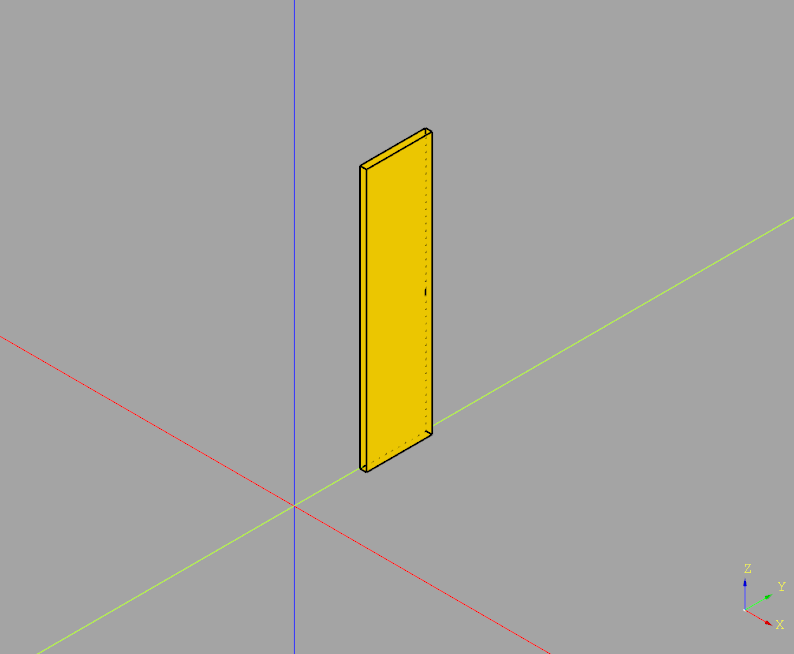
If this post helped you, please consider buying me a coffee or donating via PayPal to support research & publishing of new posts on TechOverflow